
There are two ways to define a default workbook in Analysis for Office (AO). Either every user can define autonomously a Workbook as
default Workbook or the IT sets this globally for all users permanently. The first way is very time-consuming because you have to define the default workbook for every Analysis Office User
manually. The second way is much more comfortable.
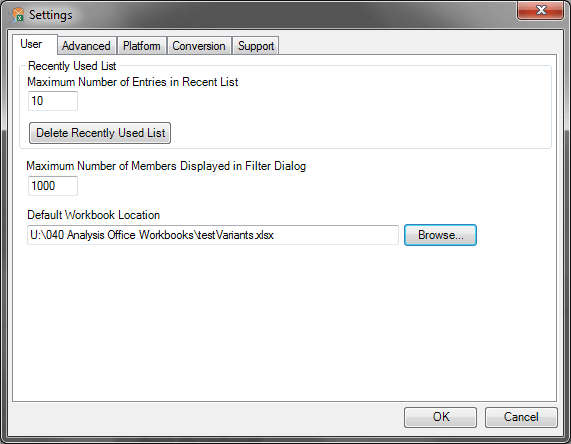
In the path „C:Users*USER*AppDataRoamingSAP AGSAP BusinessObjects Advanced AnalysisSettingsDocument“ will be a XML file with the name „DefaultWorkbookPath.xml“ applied.
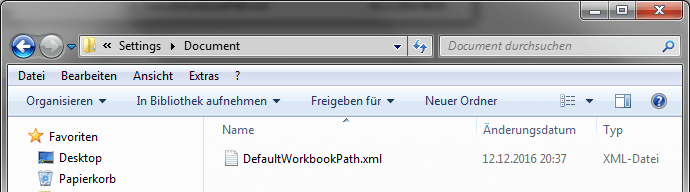
The contents of the file is as follows:
1 |
<xml version="1.0"?><DefaultWorkbookPath scope="user" type="string" fullpath="/Settings/Document/DefaultWorkbookPath">Path</DefaultWorkbookPath> |
The IT can distribute the file.
These posts might also be interesting:
author.
I am Tobias, I write this blog since 2014, you can find me on twitter and youtube. If you want you can leave me a paypal coffee donation. You can also contact me directly if you want.
Schreibe einen Kommentar