This week I discussed with a colleague. He ask if there is any way to filter multiple entries in a hierarchy because there is no Paste or Upload function in the
hierarchy filter dialog.
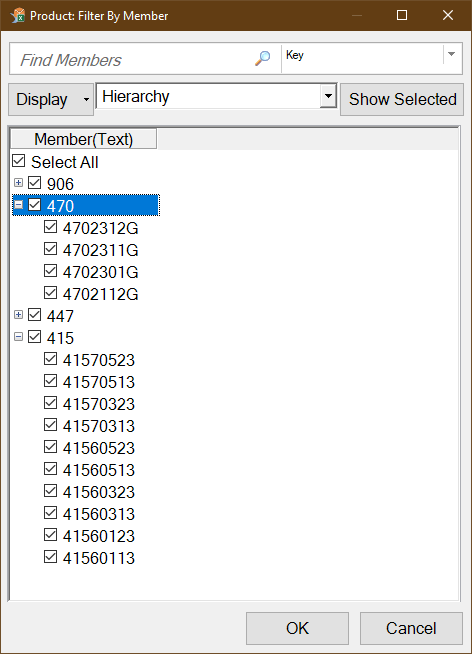
So he selects the nodes he needed manually. This could be very frustrating and time intense if you have a lot of nodes you want to select. But there is a smarter way to filter multiple hierarchy
nodes either via Paste or Upload. How it works I show you in this post.
First add your dimension into the rows.
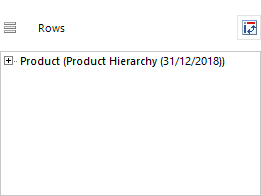
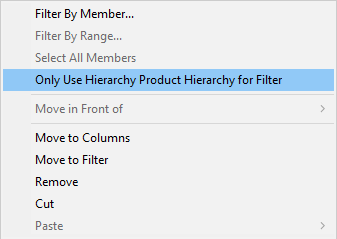
Make a right click on the dimension and select the option Use only hierarchy Product Hierarchy for Filter. The term Product Hierarchy comes from your dimension. In
my case the Product Hierarchy.
And when you now select Filter By Range, the following filter dialog will be shown, where you get a Paste or Upload function.
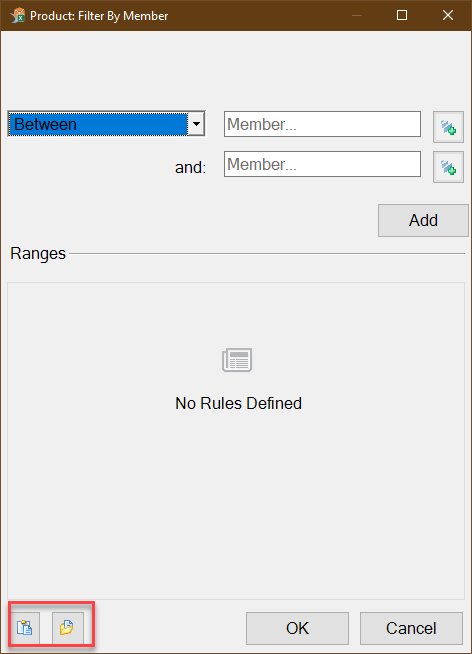
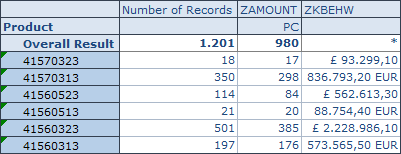
Now you can paste or upload your values and click OK. Your data will be filtered. When you now remove the the option Use only hierarchy for filter, the hierarchy
wil be displayed again.
If you have any questions or problems, just leave a comment or write me an email.
These posts might also be interesting:
author.
I am Tobias, I write this blog since 2014, you can find me on twitter and youtube. If you want you can leave me a paypal coffee donation. You can also contact me directly if you want.

Schreibe einen Kommentar