In my project I have now the opportunity to build SAP HANA Calculation Views. We use Calculation Views to combine two different Advanced DataStore Objects. First you have to set the parameter
External HANA View in the setting of your ADSO. When you activate this setting a SAP HANA Table is created which you can use in a Calculation View.

The following functions are available for a SAP HANA Calculation View:
- Join
- Union
- Projections
- Aggregation
- Rank
In our project we build a view which creates a Month-to-Date (MTD), Quarter-to-Date (QTD) and Year-to-date (YTD) view. For this we have a control ADSO which has the following structure.
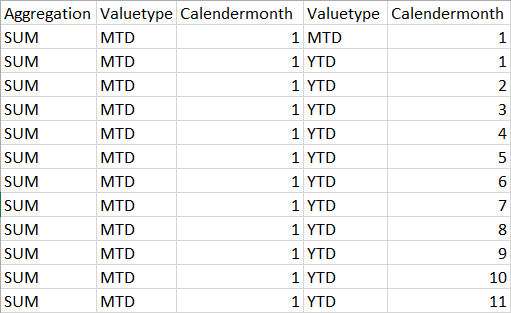
The control ADSO has also an External SAP HANA View. After the preparation is done and the control data is loaded into the BW, we go back to Eclipse and open the perspective SAP HANA
Administration Console. First we add an Inner-JOIN to connect our first ADSO with the control ADSO.
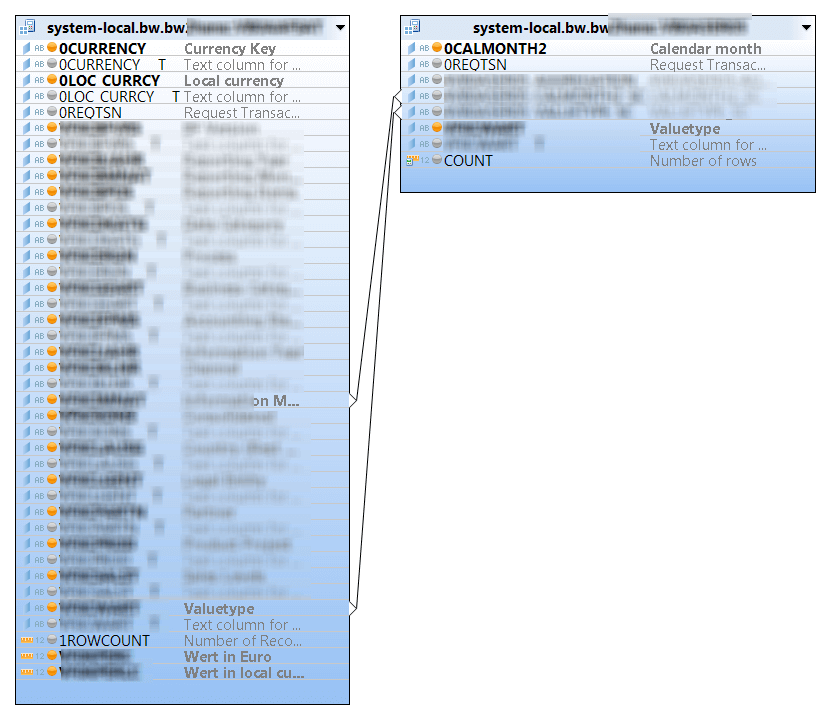
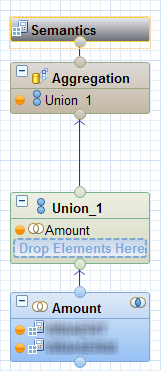
Now we have created the connection between the two ADSOs. After the JOIN, we created an UNION to have the freedom to add more JOINs in the future. We match now all
fields from the source to the target.
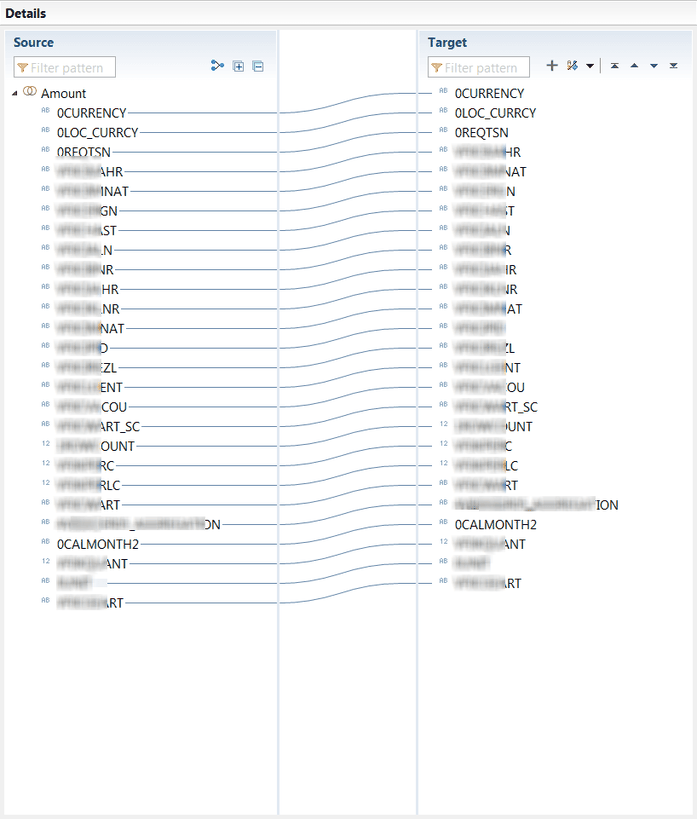
After we matched all fields, we now can select them in the AGGREGATION layer.
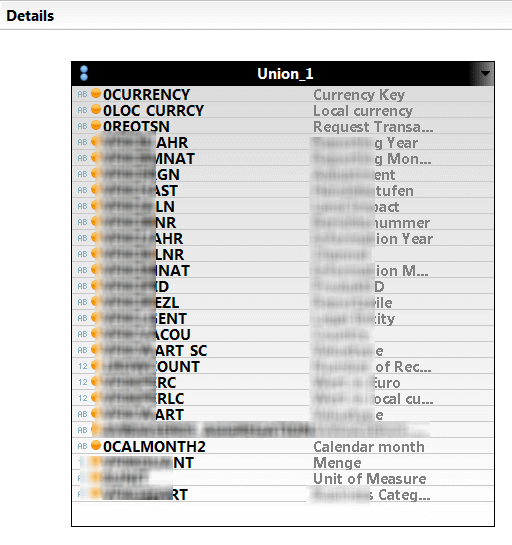
Now we assign the key figure fields the right Semantic Type.
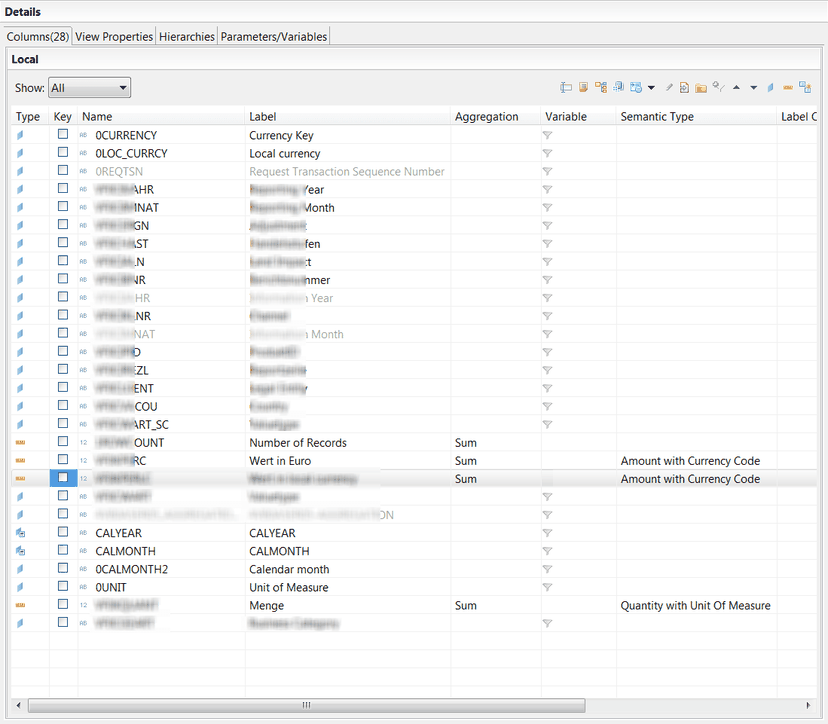
After we activate the Calculation View, we can now see the data in the preview.

But keep in mind, we only have Month-to-Date values in our BW. The Year-to-Date and Quarter-to-Date values are just virtual. I hope this can help someone to build something really cool. Here is
the overview of my HANA View.
These posts might also be interesting:
author.
I am Tobias, I write this blog since 2014, you can find me on twitter and youtube. If you want you can leave me a paypal coffee donation. You can also contact me directly if you want.

Schreibe einen Kommentar