Yeah finally is Analysis Office 2.8 available. It took a long time. Here is a overview what’s new.
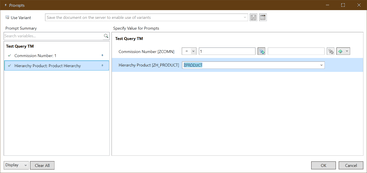
- In the prompt dialog you can clear all values
- In the prompt dialog you can insert easily ranges with „value“ „space“ „minus“ „space“ „value“ e.g. 2018 – 2019
- You can display Dimension Groups in the Query.
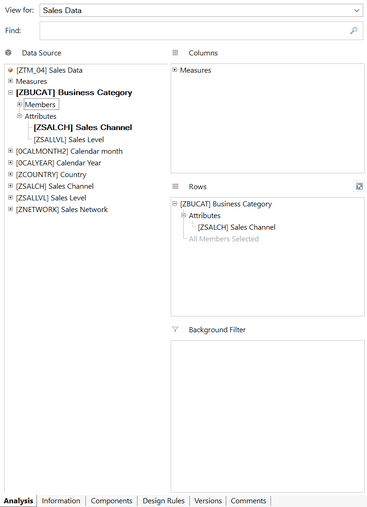
- The used dimensions are highlighted in the design panel
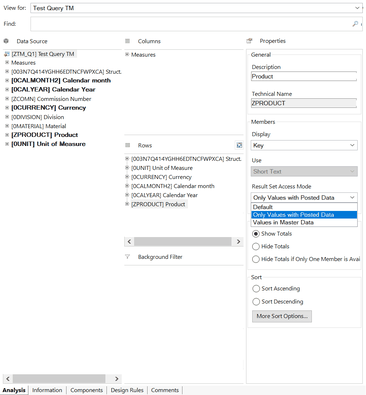
- You can easily select the access mode in the property view
- Variants in the prompt dialog are now in alphabetical order
- You can easily get the admin or user guide by pressing F1 in the ribbon menu or the help on this function in the insert function dialog. The sam works for the customize user interface and the
technical configuration.
This are some sweet features even not everything is running smoothly.


If someone finds another interesting point, let me know.
These posts might also be interesting:
author.
I am Tobias, I write this blog since 2014, you can find me on twitter and youtube. If you want you can leave me a paypal coffee donation. You can also contact me directly if you want.
Schreibe einen Kommentar