In my current project I created with a collegue a really cool function to analyze a string with 1333 characters. We are using a BW 7.4 SP 17 on HANA. First we have to build an Advanced DataStoreObject with a Field which has a length of 1333. For further understanding, we call the
field Field_1333. As data type I used SSTRING.
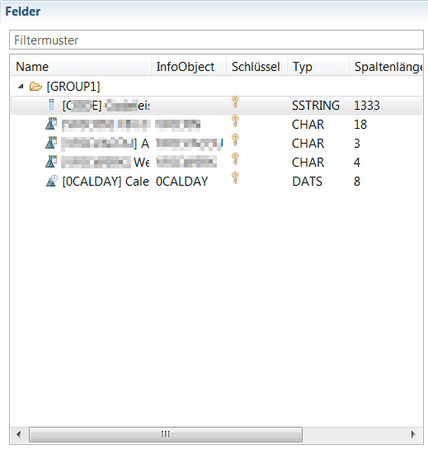
The Advanced DataStoreObject will be included into a CompositeProvider. The Problem is the CompositeProvider cannot work with a field which has the length of 1333.
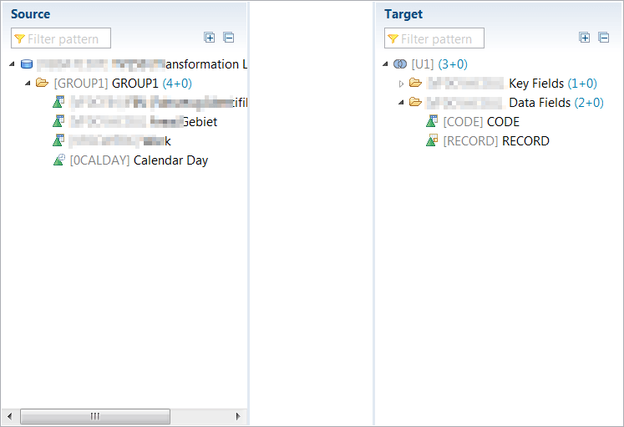
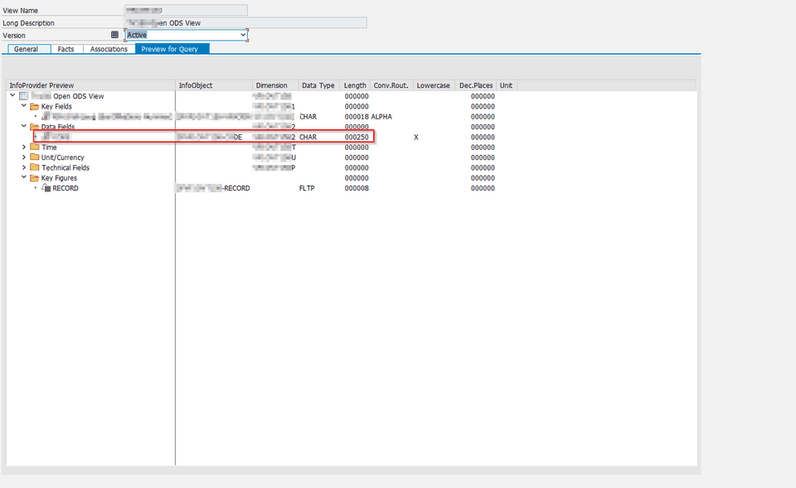
So my colleague decided to build an Open ODS View on top of the Advanced DSO. Therefor you have to activate the checkbox External SAP HANA View. My Open ODS View contains only
the field „Field_1333“, Number of Records and one InfoObject I need for my query. As you can see, the Open ODS View shows a length of 250 for the field „Field_1333“. This is only a
display problem.
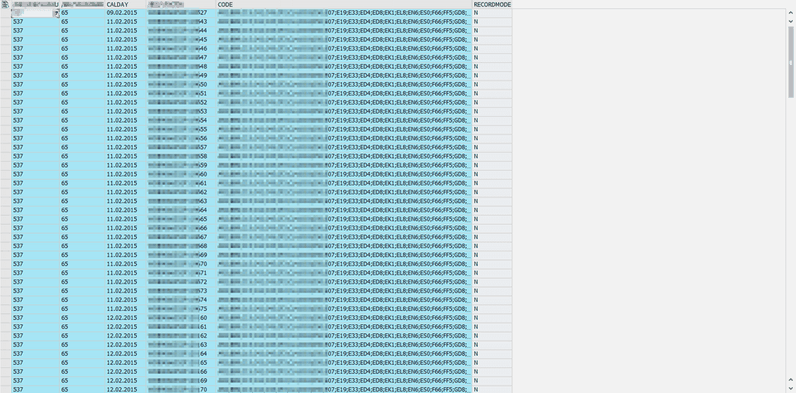
When you look into the data, the Information is complete.
Now I use the Open ODS View in my CompositeProvider and here we go, the field is now available for my query.
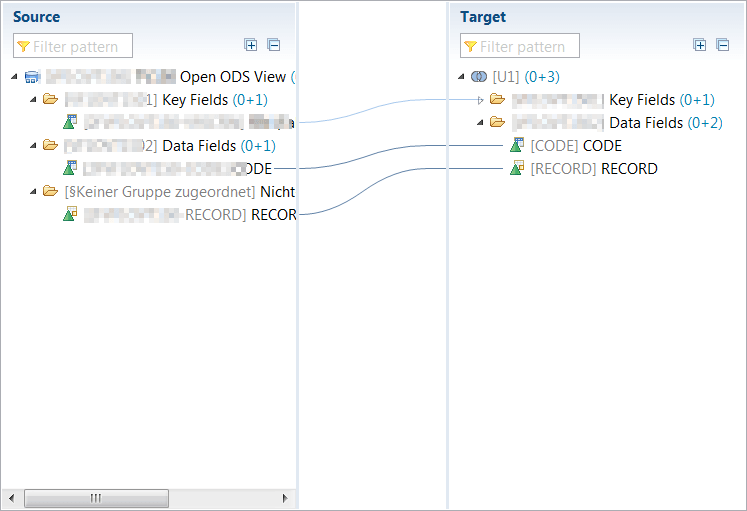
Now we build a query on the CompositeProvider and add the necessary InfoObject into the rows and a restricted key figure into the columns with a variable for the field „Field_1333“. This variable
is used to fill the customer exit variable of the field „Field_1333“.
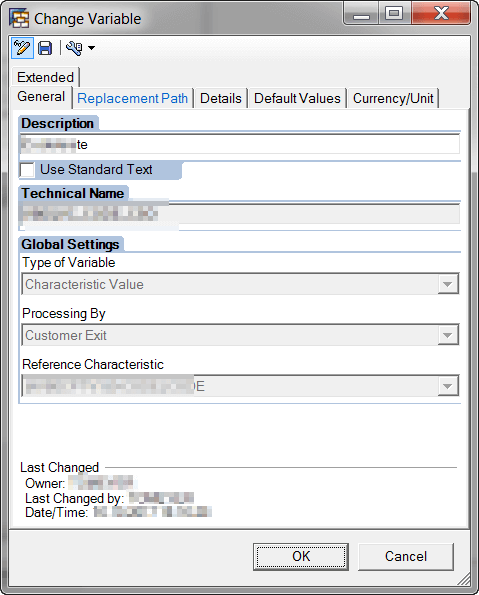
Now you have the opportunity to fill a lot of values separated by comma. The customer exit sorts all values by ascending and fill the variable with ‚*‘ & value & ‚*‘
ls_e_range-low = ls_e_range-low && ‚*‘ && ls_code-ccode && ‚*‘.
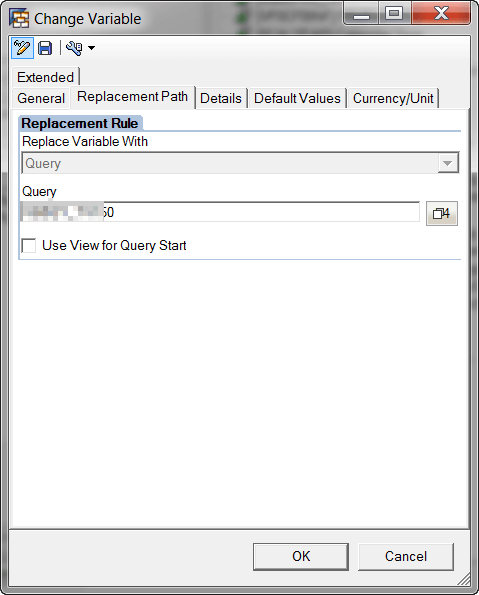
Now we can combine different combinations and get a result. This result is used as a PreQuery in my main development. So I am able to build a complex analytics application and give the user the
opportunity to analyze his data deeply.
author.
I am Tobias, I write this blog since 2014, you can find me on twitter and youtube. If you want you can leave me a paypal coffee donation. You can also contact me directly if you want.