It has been very quite at the moment.Because nothing spectecular is happening in the Analysis Office world. SAP released Analysis Office 2.7 SP5. I still hope they get Analysis Office 2.8 back on track and without so much problems as they have today. But back to
topic.
Recently I had the opporunity to work with SAP HANA Table Functions. First I had a complex SAP HANA Calculation View with Joins, Aggregations and so on. But I read a blog post on the SCN
by Konrad Załęski and thought maybe I can use Table Functions to do the same as I do with my Calculation Views.
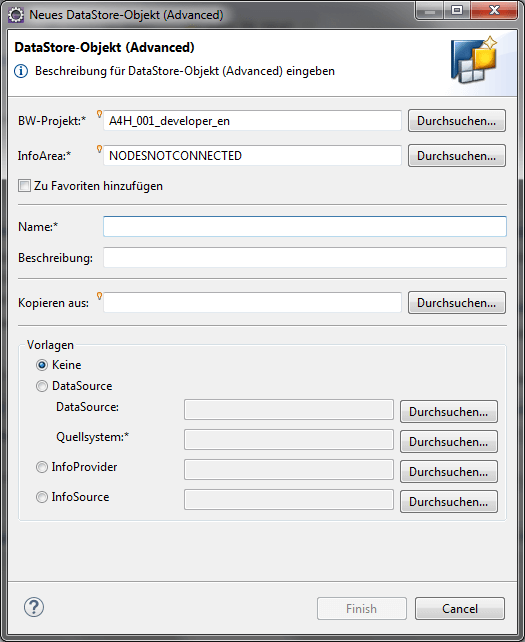
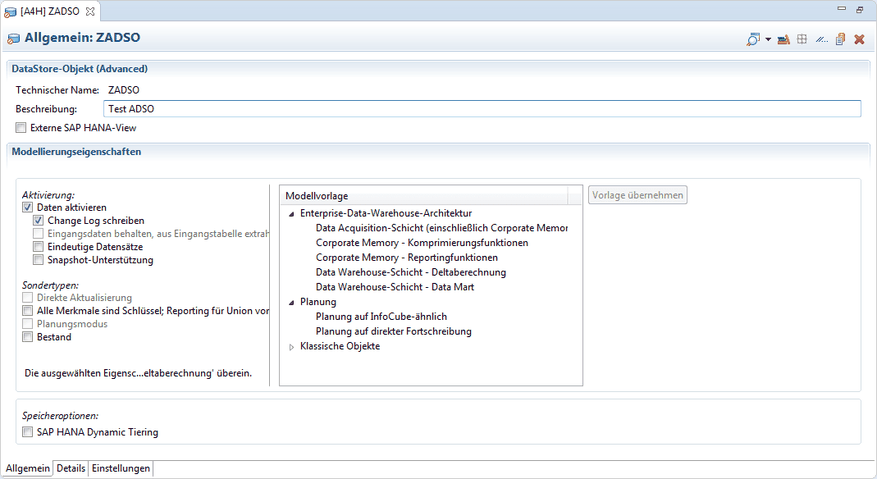
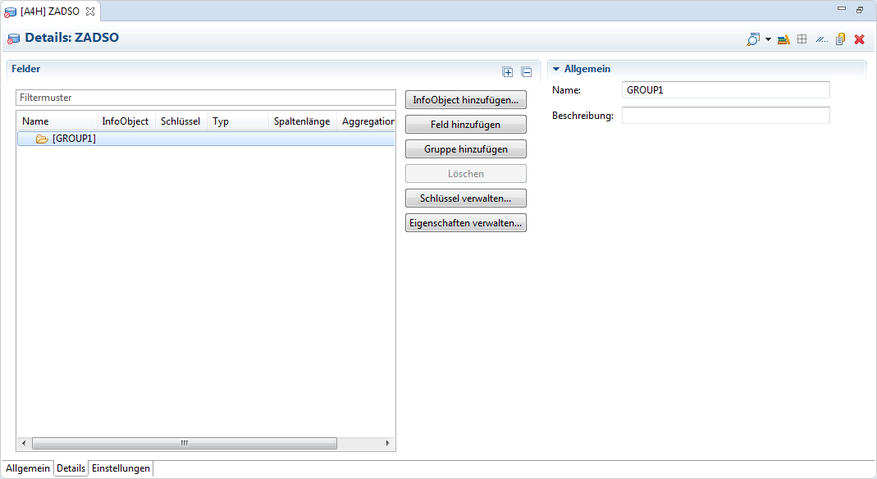
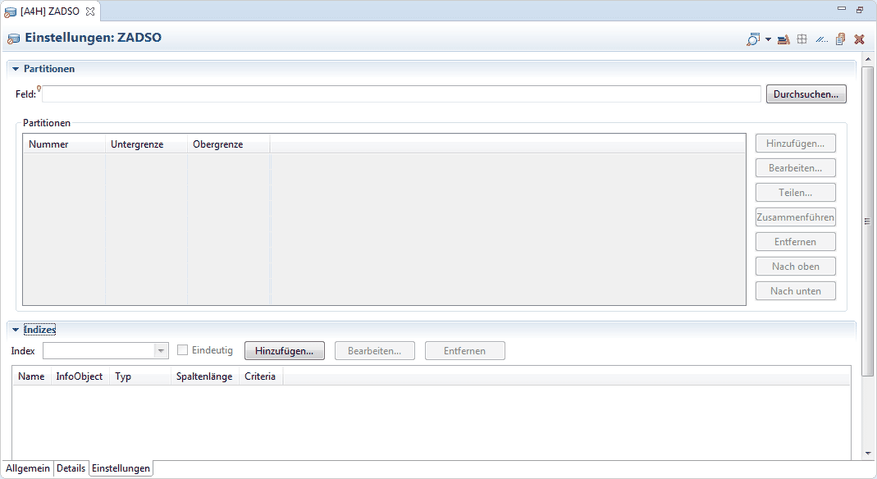
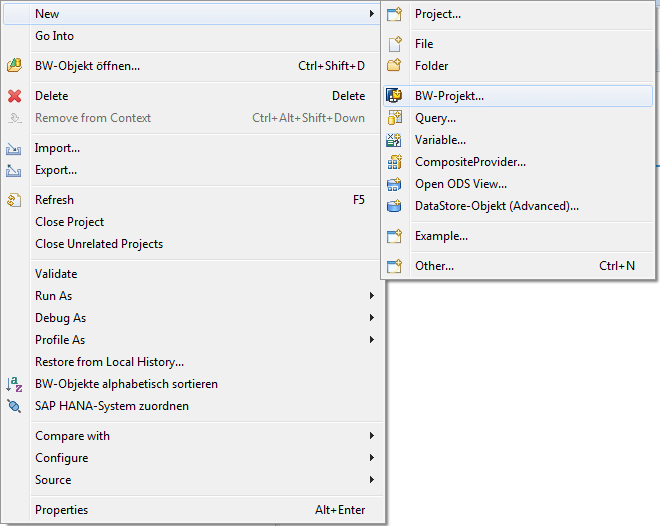
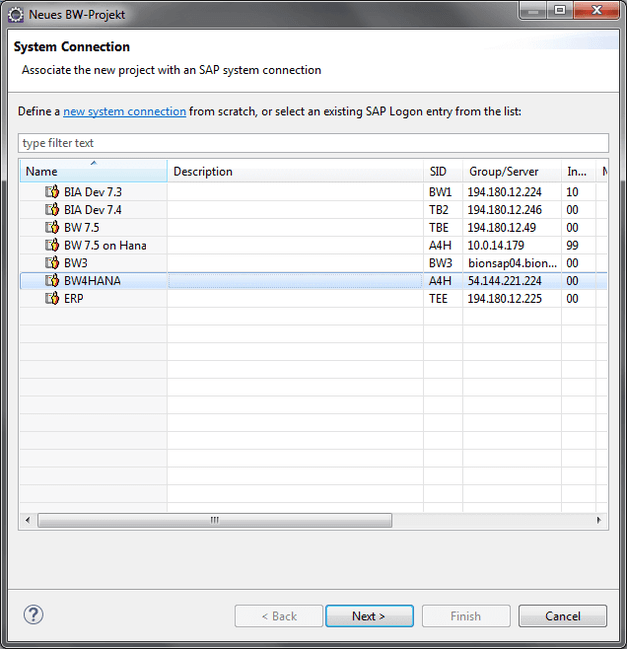
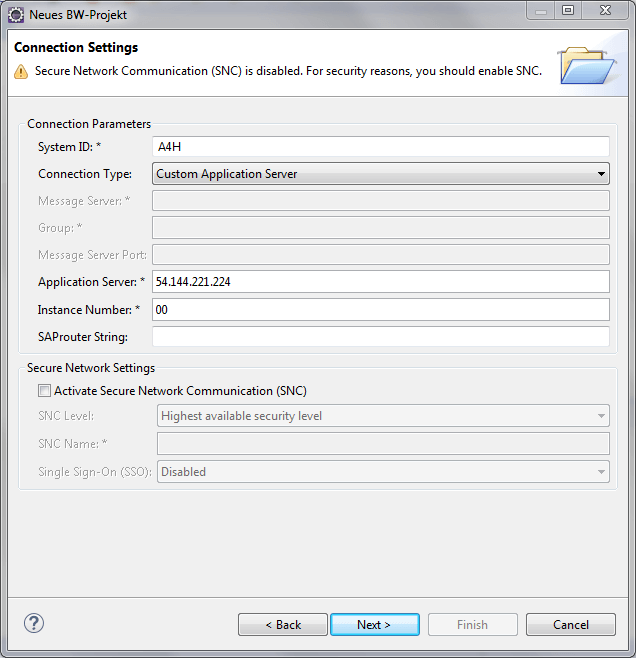
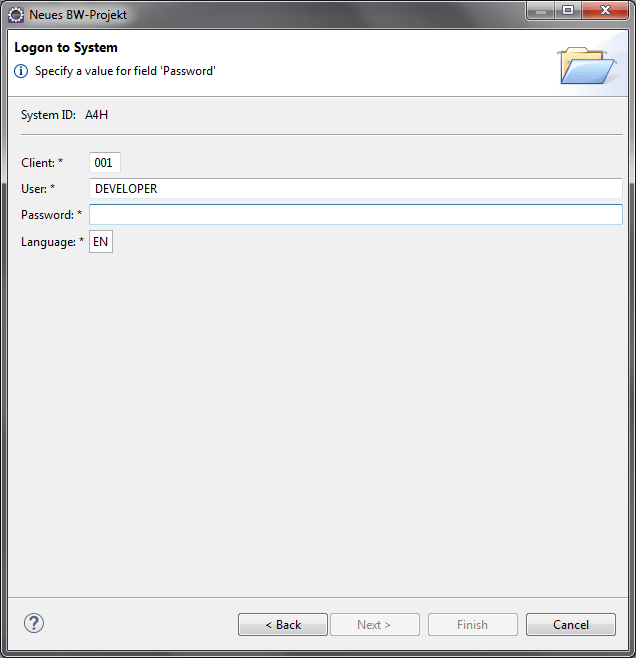
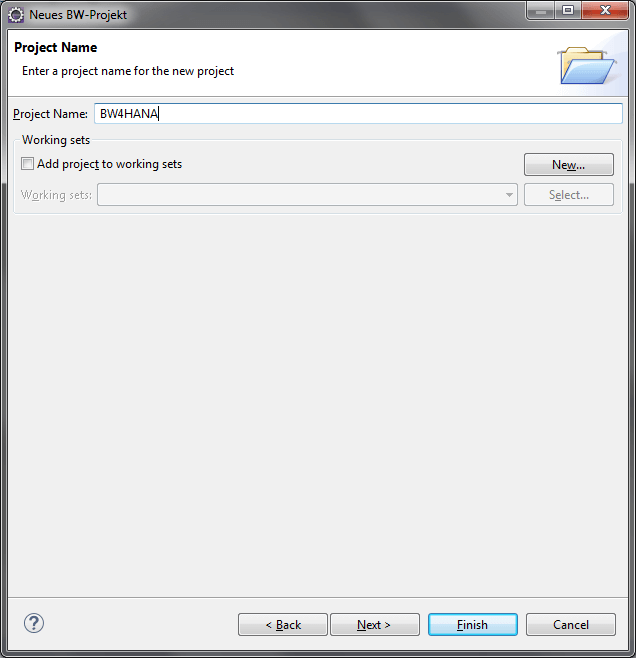
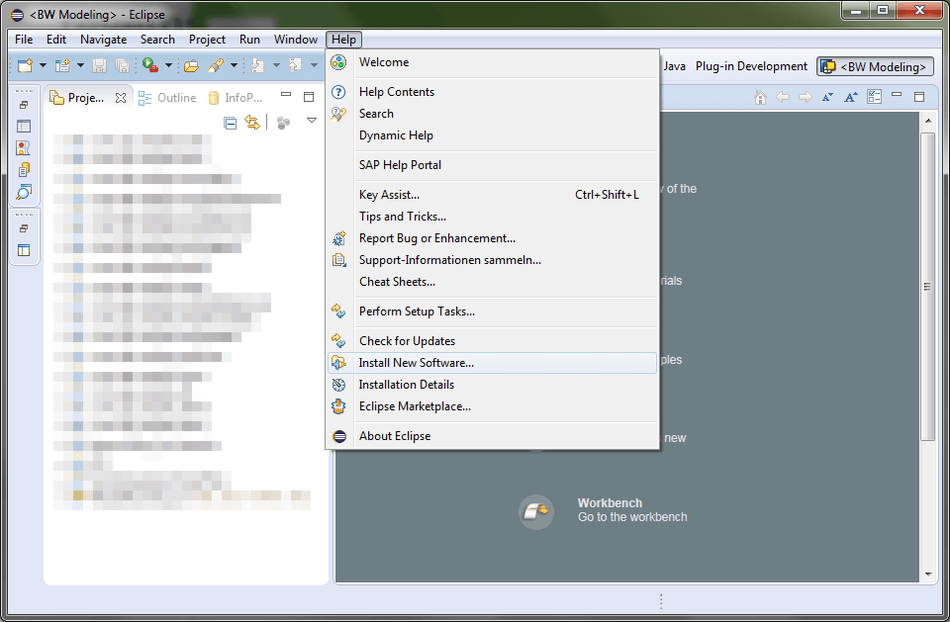
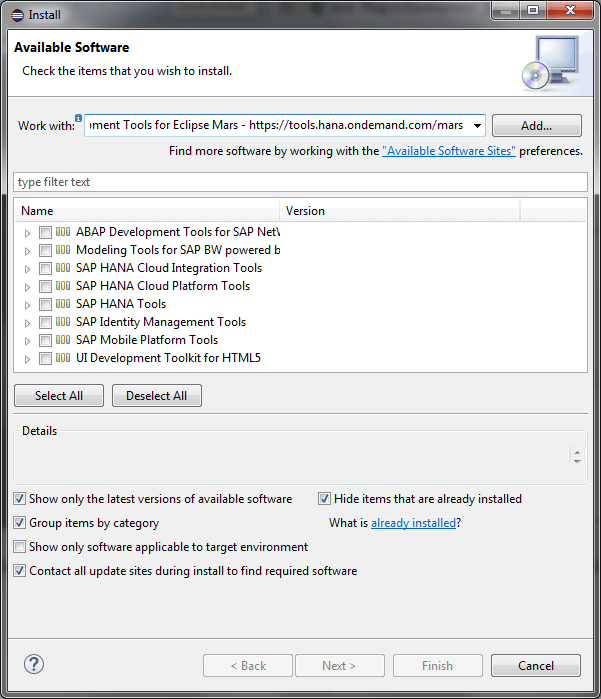
I use Eclipse 2018-09 (4.9.0) and the BW Modeling Tools 1.19.35 so maybe the options are not at the same position in another version. As far as I know SAP, the buttons are definitly not at
the same position anymore. 🙈
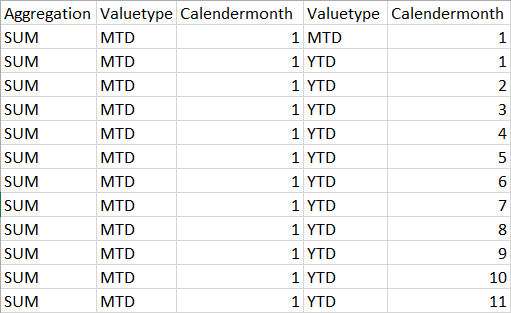
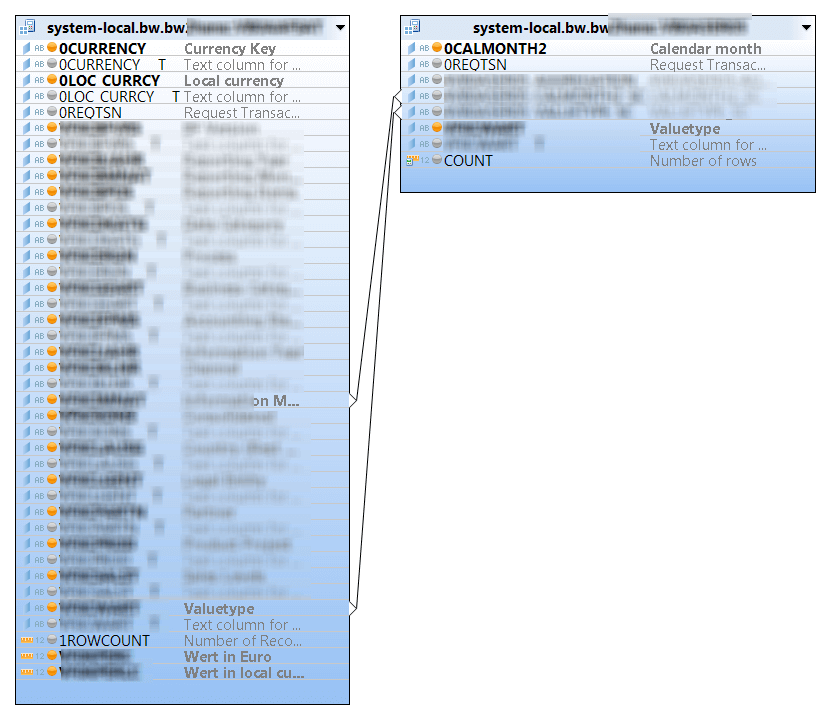
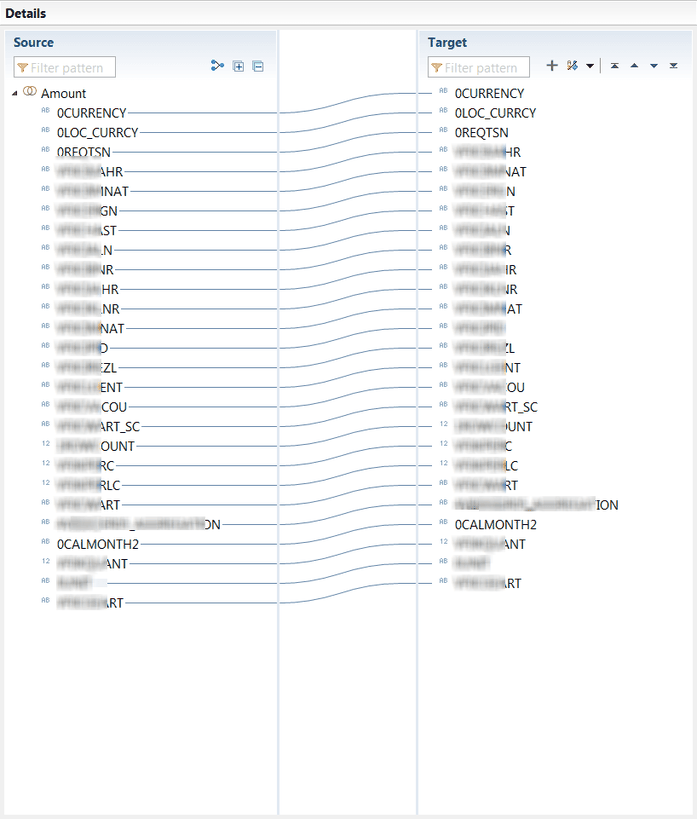
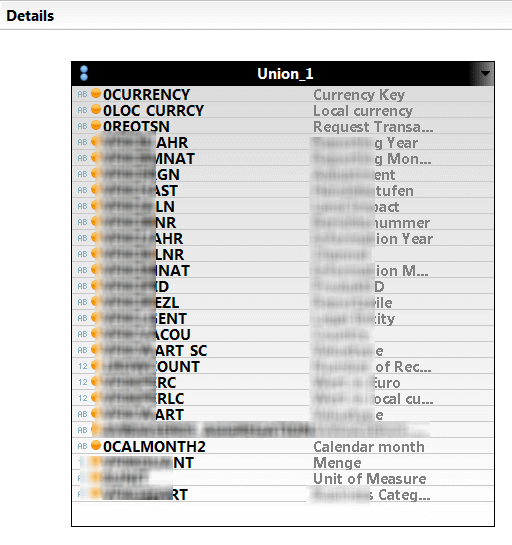
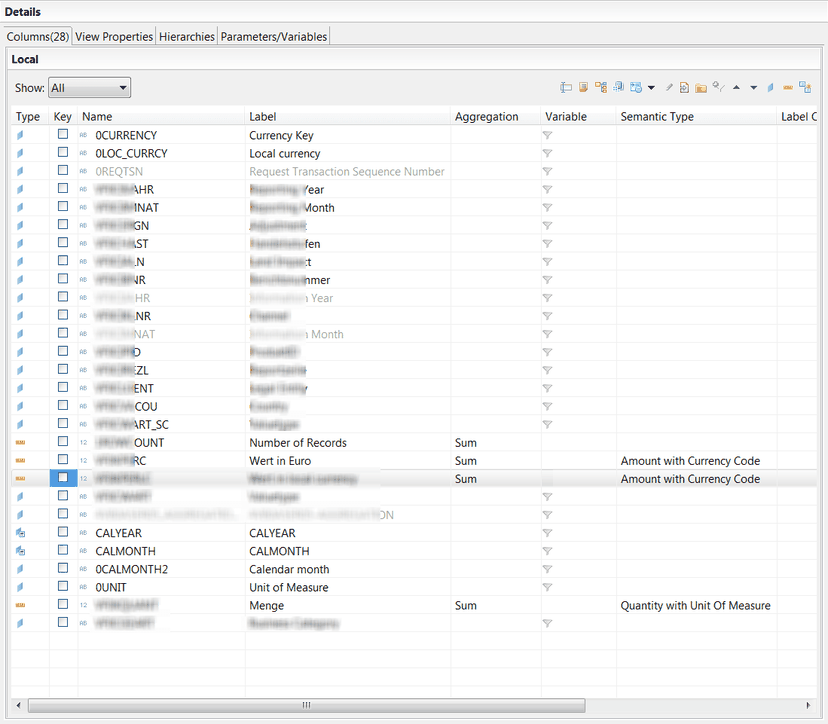
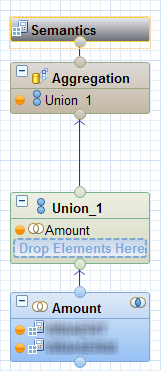
To reduce the complexity I used three calculation views to narrow down my problem step by step.
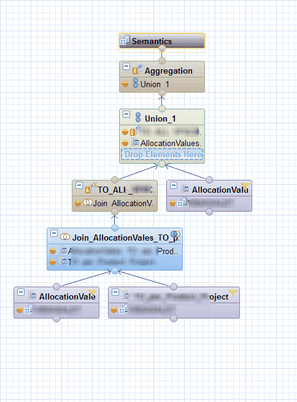

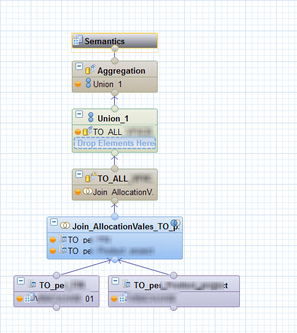
After I tested my SQL commands to get the same results, I could remove Calculation View 1 with this simple SQL Statement.
1 2 3 4 5 6 7 8 9 10 11 12 13 14 15 16 17 18 19 20 21 22 23 24 25 26 27 28 29 30 31 32 33 34 35 36 37 38 |
FUNCTION "SCHEMA"."test::test_function" ( ) RETURNS TABLE ("POSITION" NVARCHAR(4), "CHANNEL" NVARCHAR(3), "PRODUCT" NVARCHAR(20), "MATERIAL" NVARCHAR(18), "CURRENCY" NVARCHAR(5), "AMOUNT" DECIMAL(17,2), "YEAR" NVARCHAR(4)) LANGUAGE SQLSCRIPT SQL SECURITY INVOKER AS BEGIN RETURN /* * Get all Position, Sales Channels for all Products and Currency * where Process = Allocation and Market Number is empty. */ SELECT DISTINCT "POSITION", "CHANNEL", "PRODUCT", "MATERIAL", "CURRENCY", sum( "AMOUNT" ) as "AMOUNT", "YEAR" FROM "SAPABAP1"."/BIC/ATEST2" where "PROCESS" = 'A' and "MANUM" = '' group by "POSITION", "PROCESS", "CHANNEL", "MANUM", "PRODUCT", "MATERIAL", "CURRENCY", "YEAR"; END; |
After that I was thrilled with SQL commands. It’s been a while since I used SQL. Maybe the last time before I started as a BW consultant. So I looked into it. You find a lot of help on help.sap.com or on udemy.com. Since then I just think about my existing Calculation Views and how I can make them better with
Table Functions.
So here is my question for this post. Do you use Table Functions and how complex do you build them?
These posts might also be interesting:
author.
I am Tobias, I write this blog since 2014, you can find me on twitter and youtube. If you want you can leave me a paypal coffee donation. You can also contact me directly if you want.
SAP Analysis for Office – The Comprehensive Guide
The book SAP Analysis for Office – The Comprehensive Guide by Tobias Meyer is a pdf book about SAP Analysis for Office. It is based on Analysis for Office 2.8 and contains 346 Pages.
SAP Analysis for Office – The Comprehensive Guide
SAP Analysis for Office – The Comprehensive Guide is a pdf book about SAP BusinessObjects Analysis for Office. It is based on Analysis for Office 2.7 and contains
299 Pages.
SAP Analysis for Office – The Comprehensive Guide
SAP Analysis for Office – The Comprehensive Guide is a pdf book about SAP BusinessObjects Analysis for Office. It is based on Analysis for Office 2.6 and contains
272 Pages.