It has been a quite while since the last post. But with a go live and a reorganization of my current project I hadn’t time to look into some topic. But here is a new kind of interessting bug. We
had an open task from a user of the controlling department, that a query display the message:
„Size Limit of result set exceeded.“
That’s an odd thing, because the query has only six columns and 110 rows and when the user dragged the calendar month into the columns it should have 12 columns for the actual year and 110 rows.
Which is defintily lower than the limit of Analysis for Office, which is 500.000 cells.
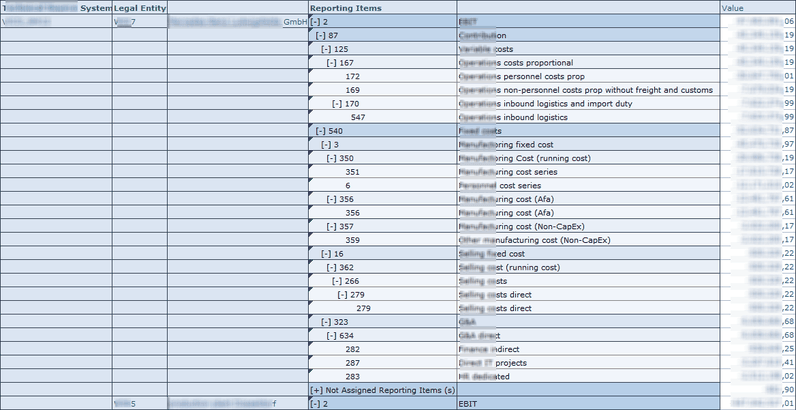
So I tested the query in the BW backend with the transaction rsrt. It worked perfectly.
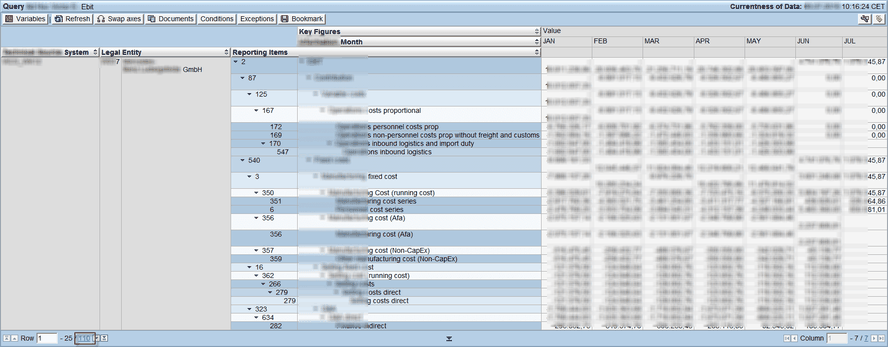
So the query is working correctly. But why Analysis for Office throw me the error? It appears on different computers and the rsadmin
parameter was default by 500.000 cells. After a little search I found the problem. The query dimensions were all set to show Vales from Master Data instead of Posted
Values and the query has the option to suppress zeros in columns and rows. So when I deselect the suppress zero option, the query now shows around 83.000 rows and 6
columns which are 498.000 cells and this is short below the limit of 500.000 cells.
Now we change the option from Show Values of Master Data to Posted Value and the query worked for the controlling deparment.The only question which is not answer is why does it work in RSRT
with the same option it doesn’t work in Analysis for Office? Does anyone have an idea?
These posts might also be interesting:
author.



Schreibe einen Kommentar