In BW/4HANA SAP offers you the possibility to link restricted or calculated key figures across different Composite Providers. The advantage of the link components concept is that they can
automatically synchronize whenever you make changes in the source or master component. If you are not familiar with this concept.
SAP Help:
„A linked component can be automatically synchronized whenever changes are made to the corresponding source component.
Example scenario: You have two highly similar InfoProviders, IP_A and IP_B. You have created the query Q_A for IP_A. You now want to create the query Q_B for
InfoProvider IP_B. You want this query to be very similar to query Q_A and to be automatically adjusted whenever changes are made to query Q_A.
To do this, you use the link component concept: You create the linked target query Q_B for source query Q_A. This is more than just a copy, as the system also
retains the mapping information. This mapping information makes it possible to synchronize the queries.„
So the concept is really nice because you can ensure that your key figures with the same name has also the same configuration, e.g. your turnover is configured correctly on any Composite Provider
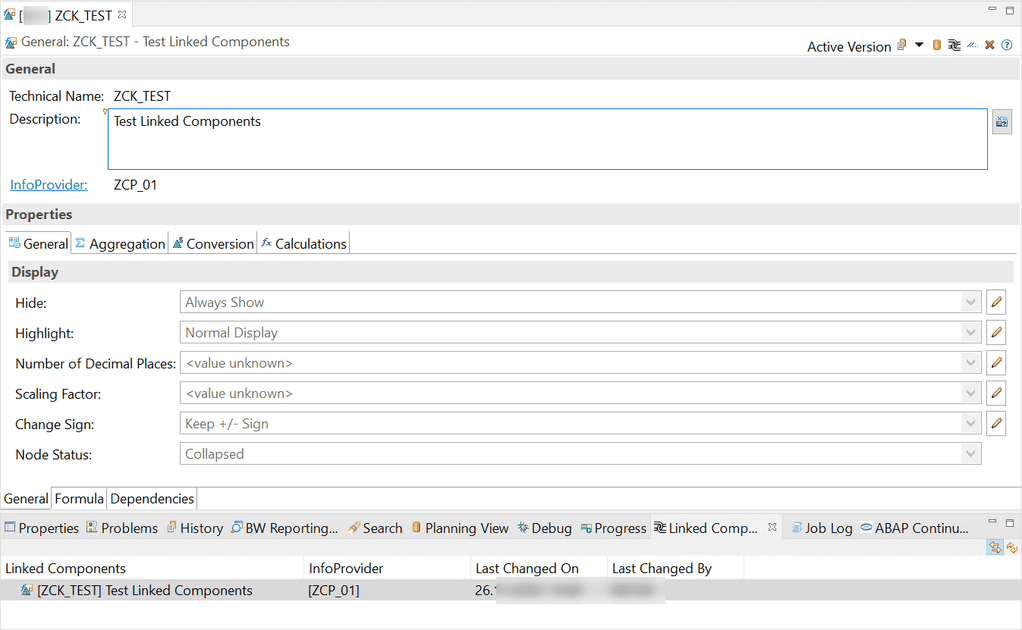
in your system. Now let’s create a new link component. First we select a restricted key figure on our Composite Provider and goto „Linked Component“ view in Eclipse.
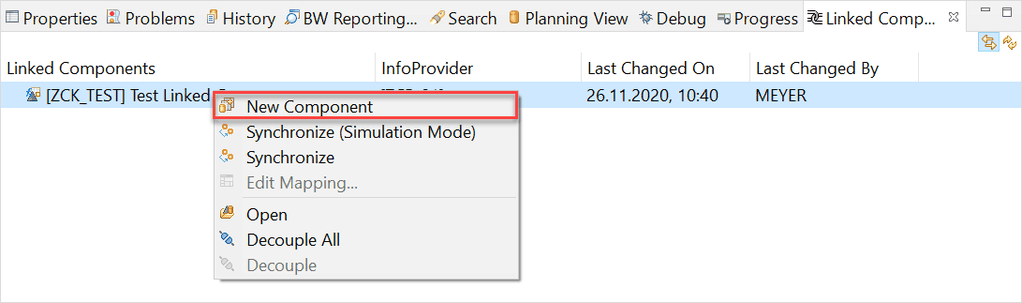
Use the right click on the key figure in the „Linked Component“ view and select „New Component“
A new dialog appears, which allows us to create a new linked key figure. First we have to define a Target Name and a Target InfoProvider. Now we can click on Create Proposal.
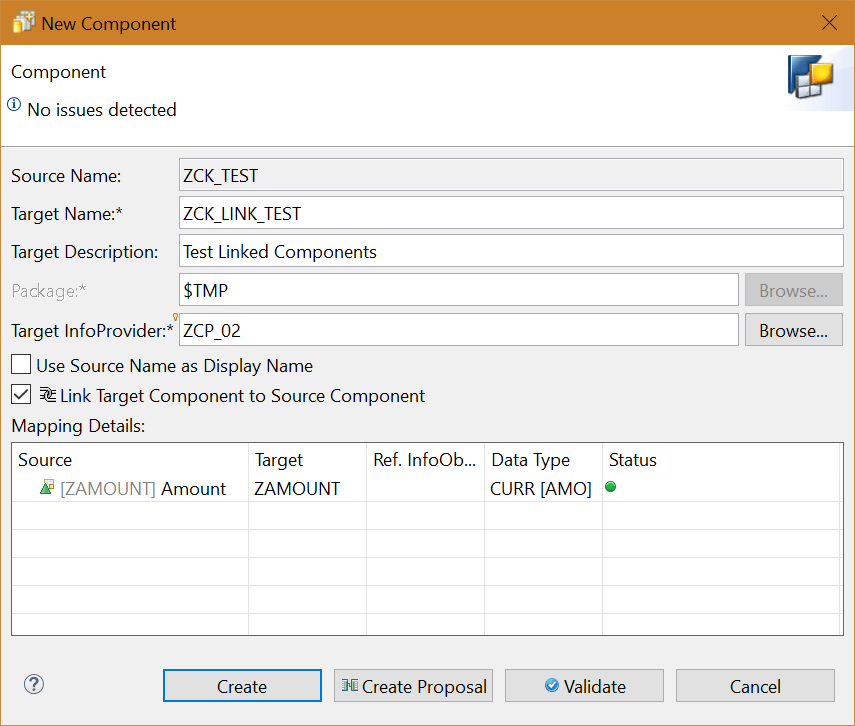
After the status is green, we can create this new link component.

So now let’s come to an issue what happen when you unlink your query components by mistake. Here the trouble begins. There is no function to link your broken query link component again to the
original target. Which means you have to create a new link component and replace it in all your queries but for this I create a little tool called Query Link Component to link the components again.
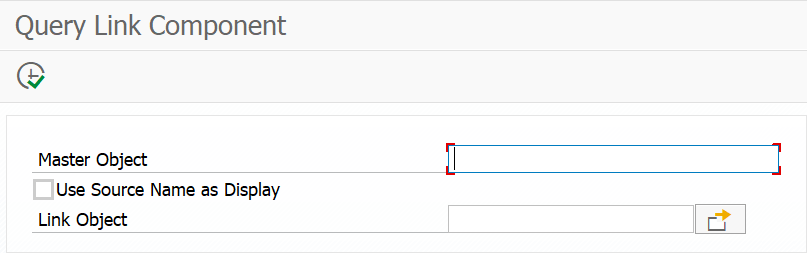
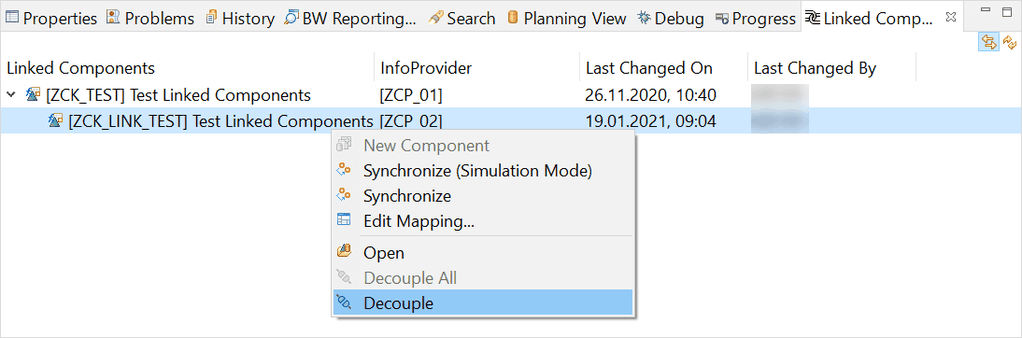
So let’s make an example, we just decouple our created link component and link it afterwards again.

Now we open the Query Link Component program and fill out all necessary information and link our key figure again.

Click on Execute (F8)
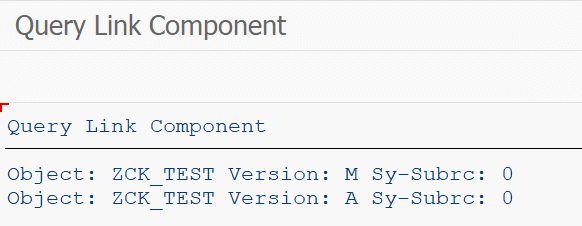
Now we close and reopen the key figure in Eclipse, and we will see the link component is back again.

Conclusion
I like the concept of linked components in BW/4HANA, but I don’t know why SAP has no such function to link a broken query component again. My little tool helps me to fix this issue and save me a
lot of time. Do you use the Link Components Concept in your BW/4HANA?
These posts might also be interesting:
author.


Schreibe einen Kommentar