Since yesterday Analysis for Office 2.4 is available. You can download it with a S-User under Support Packages and Patches >>
By Alphabetical Index (A-Z) >> A >> SBOP Analysis Office >> SBOP Analysis MS Office 2.4.
The SAP help page isn’t updated yet. But I think it would be updated in the next days.
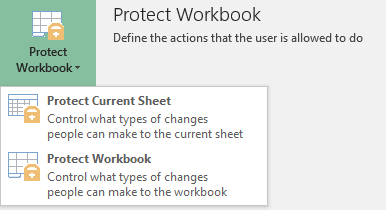
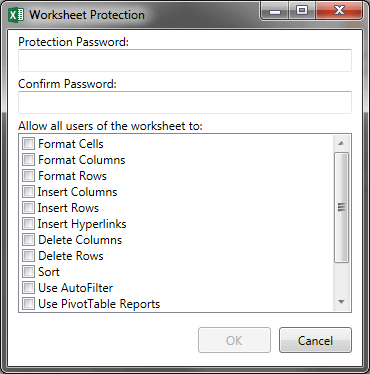
A new feature is to protect your workbook. You can choose between the complete workbook and only
sheet protection. It seems like a stripped down protection from Microsoft Excel. Why this should be necessary must be clarified.
Also a new feature is to load and save comments directly from the SAP Business Objects BI platform. How this exactly works I
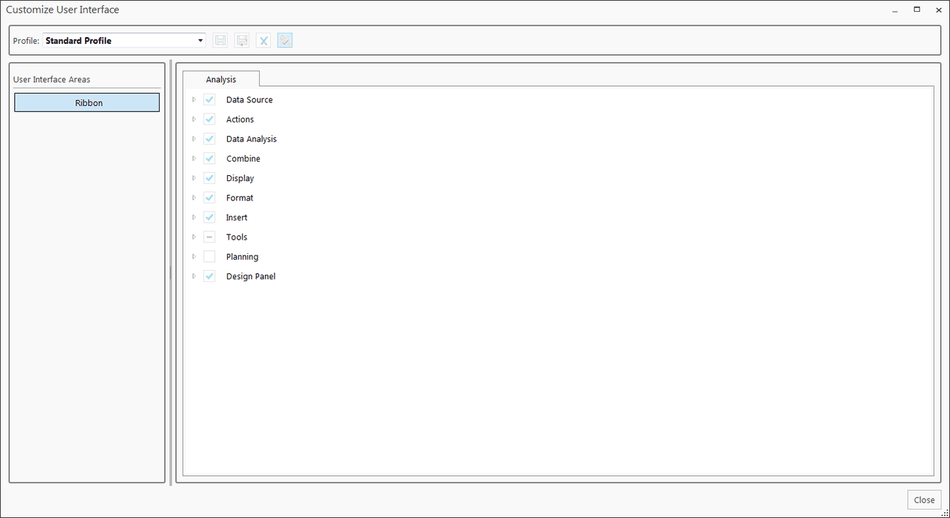
have to discover. A really cool feature is the Customize User Interface where you can
easily configure different user interface. Maybe you can also configure them through the file system
settings.
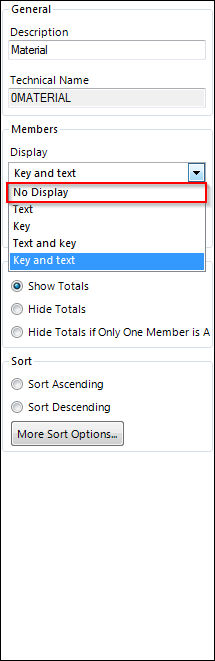
You can now define in the properties of the design panel to set a dimension to No Display.
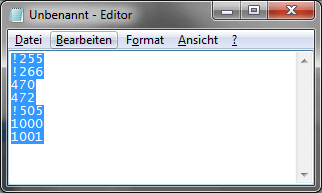
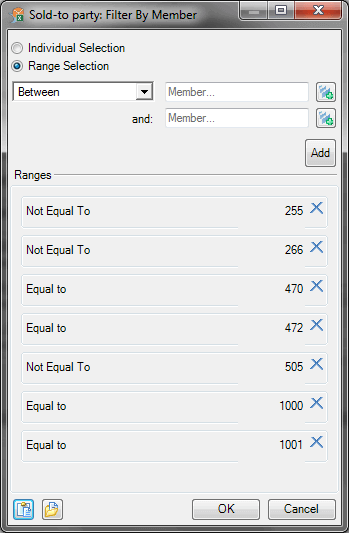
The Table Design Rules editor now has a copy button, if the previous restrictions are obsolete now, have to be seen. You can now also exlcude copy and paste values from clipboard or file.
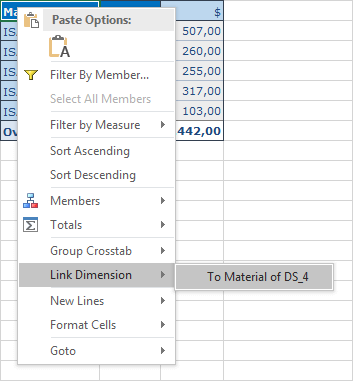
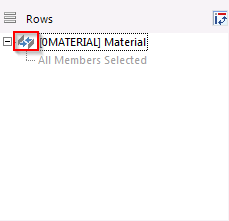
Also new is Link Dimension. This means when you filter on the main Crosstab it will also affect the linked Crosstabs. You can see the little icon that indicates the Crosstabs are
linked.
A really cool feature is Group Crosstabs. This means, that you combine to Crosstabs to one.
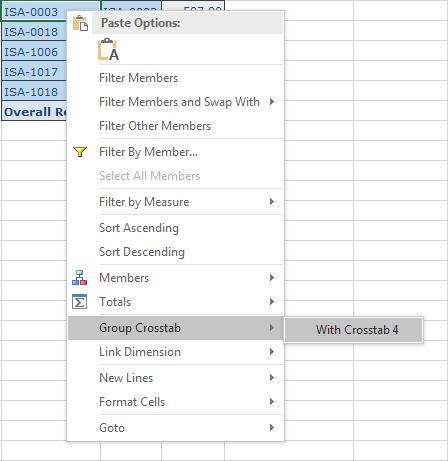
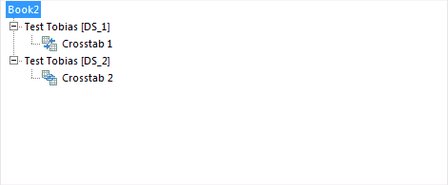
Here is the result of the Group Crosstabs.
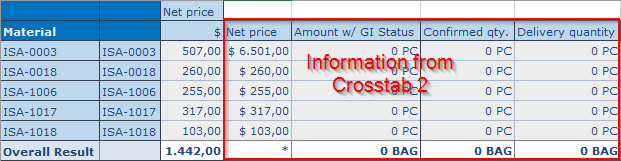
So a first look at Analysis for Office 2.4 is done. I hope SAP release the necessary help files so we can found more about this version.
These posts might also be interesting:
author.
I am Tobias, I write this blog since 2014, you can find me on twitter and youtube. If you want you can leave me a paypal coffee donation. You can also contact me directly if you want.
Schreibe einen Kommentar