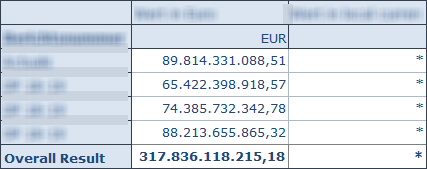
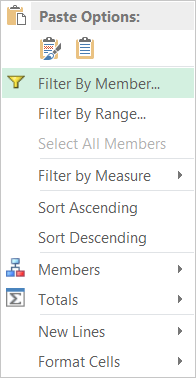
A feature which I didn’t know even it is available since Analysis Office 2.2 is to search and filter by attribute. First
select a dimension you want to filter.
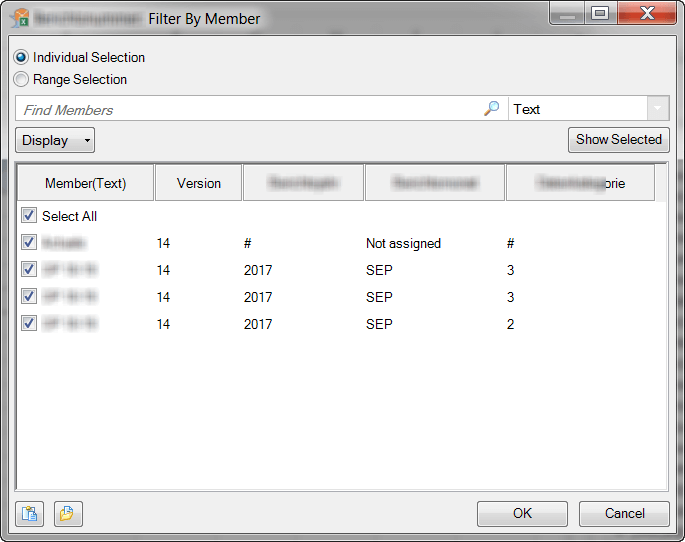
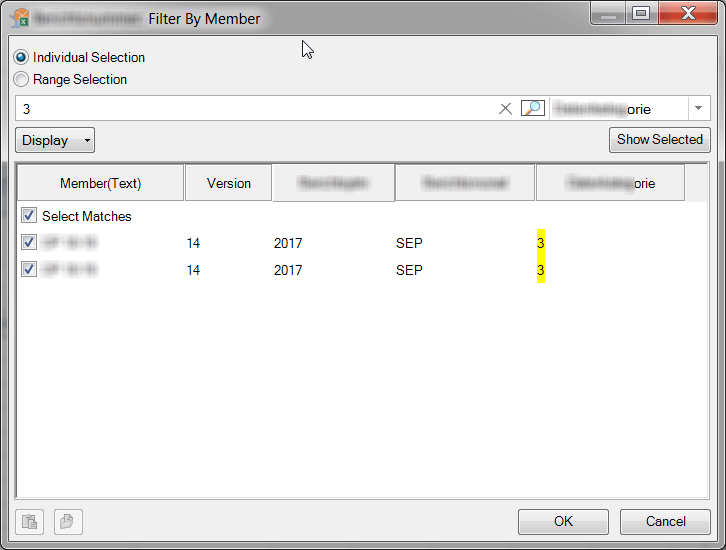
Now you see the Filter by Member dialog and you can display the necessary attribute you want to filter.
Now select in the dropdown menu the attribute you want to filter.
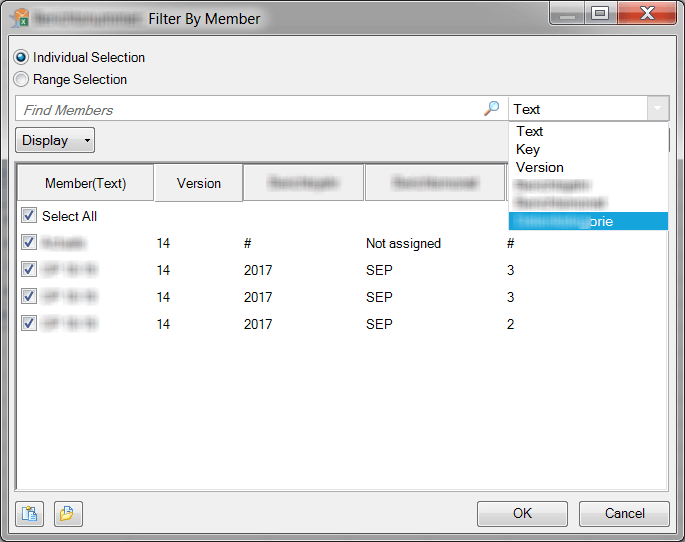
After you select the attribute, you can use the search bar to filter your result.
The result of the crosstab should look like the following screenshot.
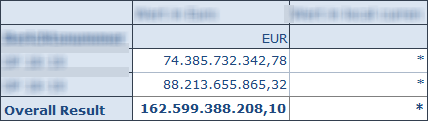
So as you can see, you cannot only Filter by Member for a dimension, you can also Filter By Member for an attribute. This might be interesting for you, when you use a lot of attributes.
author.
I am Tobias, I write this blog since 2014, you can find me on twitter and youtube. If you want you can leave me a paypal coffee donation. You can also contact me directly if you want.

Schreibe einen Kommentar