Since Analysis Office 2.1 you have a formula editor. You can find this function in the group Data Analysis >>
Calculations >> Add Advanced Calculation.
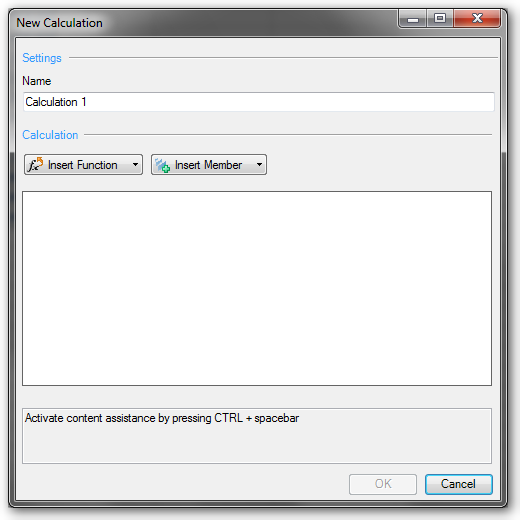
With this function you can create complex calculations, as you could make earlier in a BEx Query. You can find mathematical functions, data
functions, percentage functions and Boolean operators.
Besides addition and subtraction, you can find functions like logarithm to the base of 10 or decimal part of operand.
In the data functions you will find something like „value without dimension“ or „NOERR(X): Equals 0 for undefined calculations; otherwise x“ or „NDIV0(x): Equals 0 When Divided by 0; otherwise x.
The Boolean operators are found such functions as „AND“ or „EXCLUSIVE OR“
I think the new calculations are great, I haven’t longer to overfill the single query with dozens of calculations and I only need to build the calculations in the Workbook where I needed them.
But this is the greatest disadvantage too. When I need some calculations often, I have to create them each time.
Nevertheless, I am a friend of simple queries, because they are most immediately understandable.
These posts might also be intersting:
author.


Schreibe einen Kommentar