As in the BEx Analyzer you can save also query views in Analysis for Office.
Currently in version 2.2 SP2 you can find this option under Tools >> Save View.
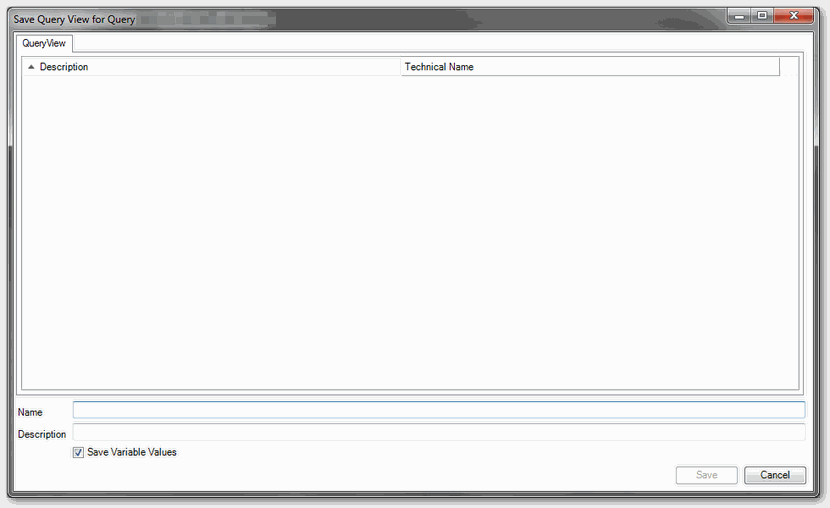
The name field is the technical name of the View. There are no spaces are allowed. If the option „Save Variables Values“ is active, the values are saved together with the query view. The
query view is saved on the same server as the DataSource.
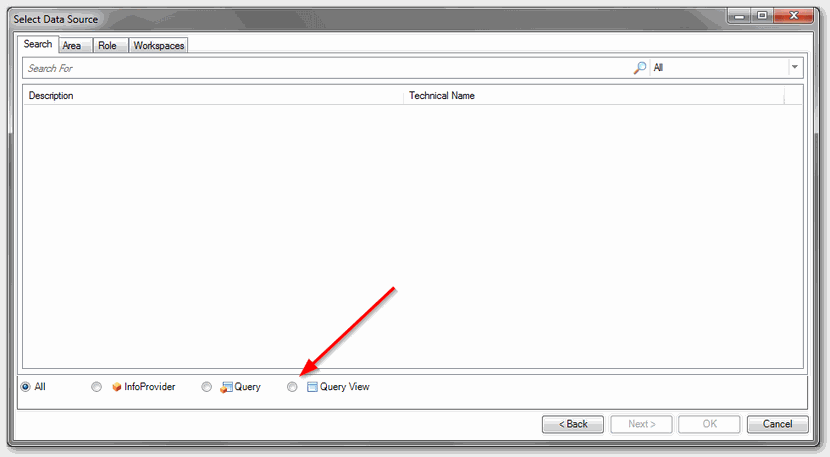
You can open the query view with the Icon „Insert DataSource„. Select the item „Select Data Souce…“ and then select the option „Query View“ in the search. Now you can
search for your query view.

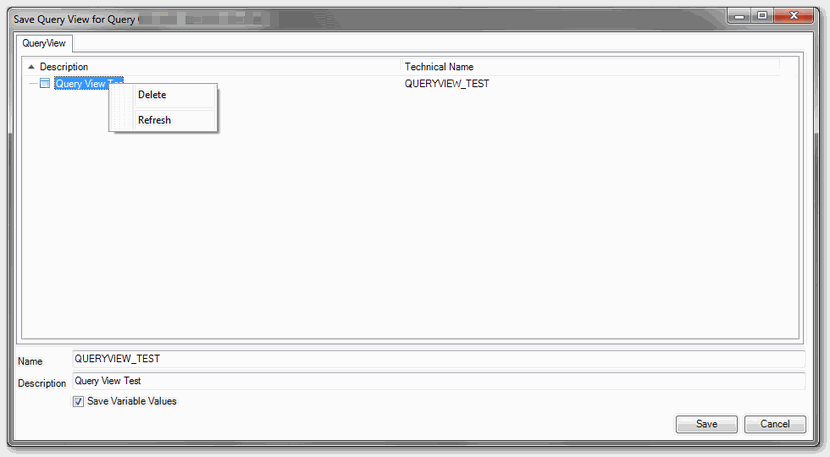
To delete a query view you have to use the context menu in the save query view dialog. The system checks if the view is used in another workbook on the same server. If the query view is used in
an object that is stored on another server, no message appears.
These posts might also be interesting:
author.
I am Tobias, I write this blog since 2014, you can find me on twitter and youtube. If you want you can leave me a paypal coffee donation. You can also contact me directly if you want.
Schreibe einen Kommentar