The latest version of Analysis Office is now available. It was released on 27.09.2019 and after the go live of my project is now done, I may have time to look more into Analysis Office
again.
- AO Prompt Selection makes Excel.exe freeze (s-note
2836430)
- Analysis Office: Red borders around valid new line cells (s-note 2831840)
- Exception when opening or saving a workbook or data source after Log Off (s-note 2838591)
- RRI passes wrong context for axis tuple element (s-note
2834404)
- SAPSetFilterComponent and Time Characteristics (s-note
2829371)
As you can see in this version there is not many things fixed or maybe they found not more? But the What’s
new Guide lists some new file system settings (technical parameter)
- ForceWriteOlapConnectionInformationDuringWorkbookSave
- UseDocumentDescriptionToConstructBIDocumentFileName
- UseDocumentDescriptionToConstructBWDocumentFileName
- SacHttpSessionPingInterval
- SearchFetchMemberLimit
- AllowOverwritingOfDimensionNames
- AllowOverwritingOfStructureMemberNames
- ReverseVariableProcessingOrderForHanaFromOldxml
- UseKeyForHierarchySelection
- UseQueryVariantsForViews
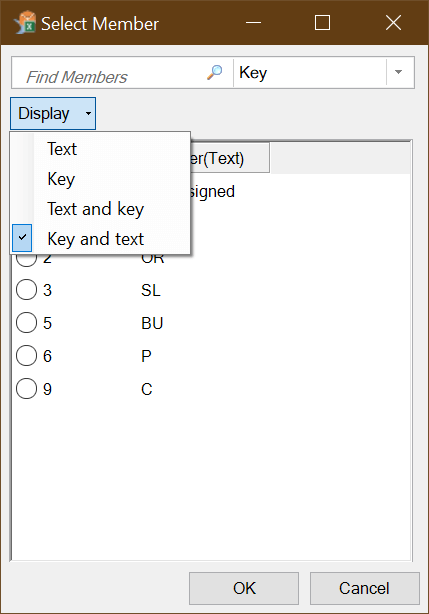
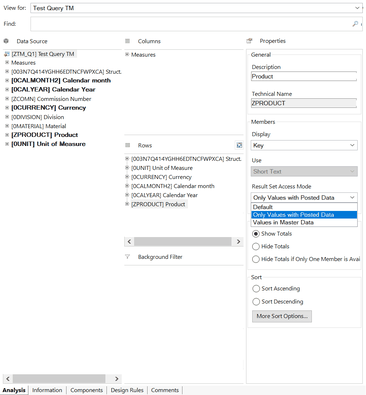
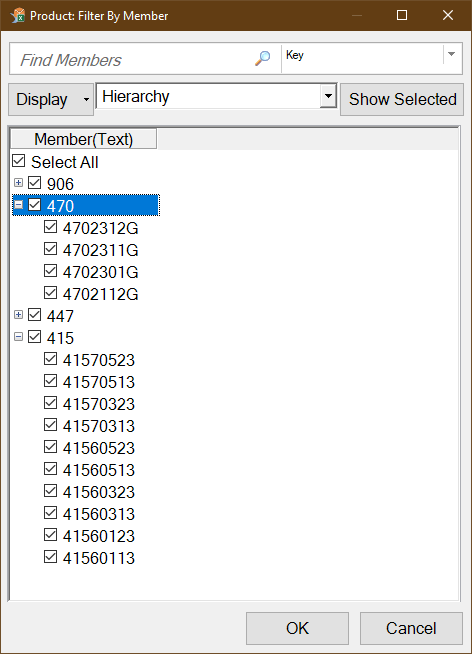
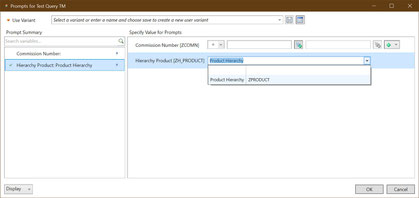
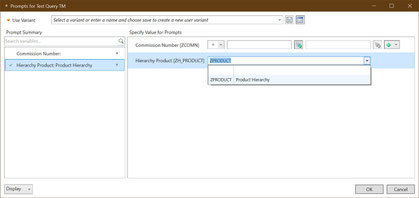
The admin guide now documented now all these parameters. A nice parameter is UseKeyForHierarchySelection, which allows you to define if you want to see the keys of a
hierarchy in the first coloumn or second column of your prompt.
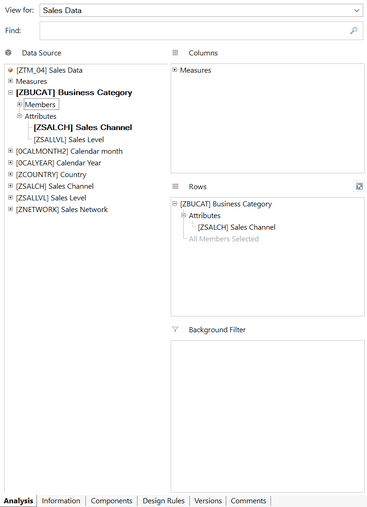
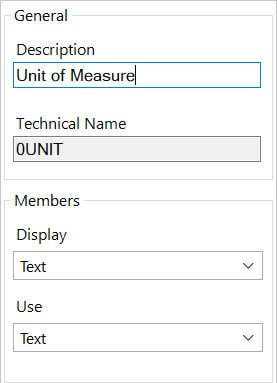
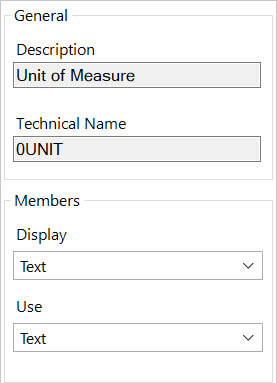
As you can see, the user can now either see the description or the technical name in his selection. Another setting is the AllowOverwritingOfDimensionNames. The default value is true,
that means the user can overwrite the name of a dimension in the design panel.
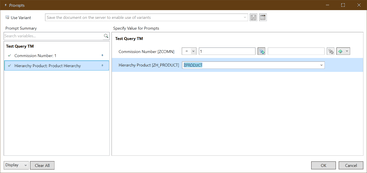
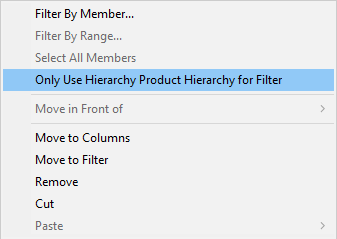
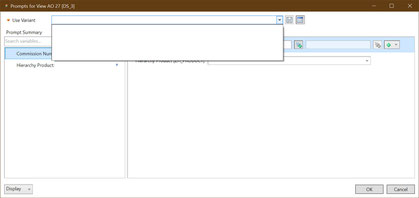
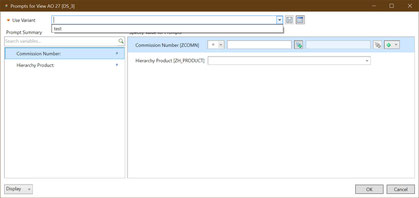
The same works with the setting AllowOverwritingOfStructureMemberNames for structures. The best setting is UseQueryVariantsForViews. With this setting you can get the query
variant when you insert a query view.
As you can see in the right picture, I can access the variant of my query. This is really cool when I use a lot of variants. I know this service pack is not the hotest shit, but slowly it gets
better. I am still hoping for Analysis Office 2.8 with new features.
I am Tobias, I write this blog since 2014, you can find me on twitter and youtube. If you want you can leave me a paypal coffee donation. You can also contact me directly if you want.